
Handheld Gaming PC vs Gaming Laptop: Which Should You Buy?
Compare portability, performance, battery life, controls, upgrade options and price before choosing a portable gaming device.
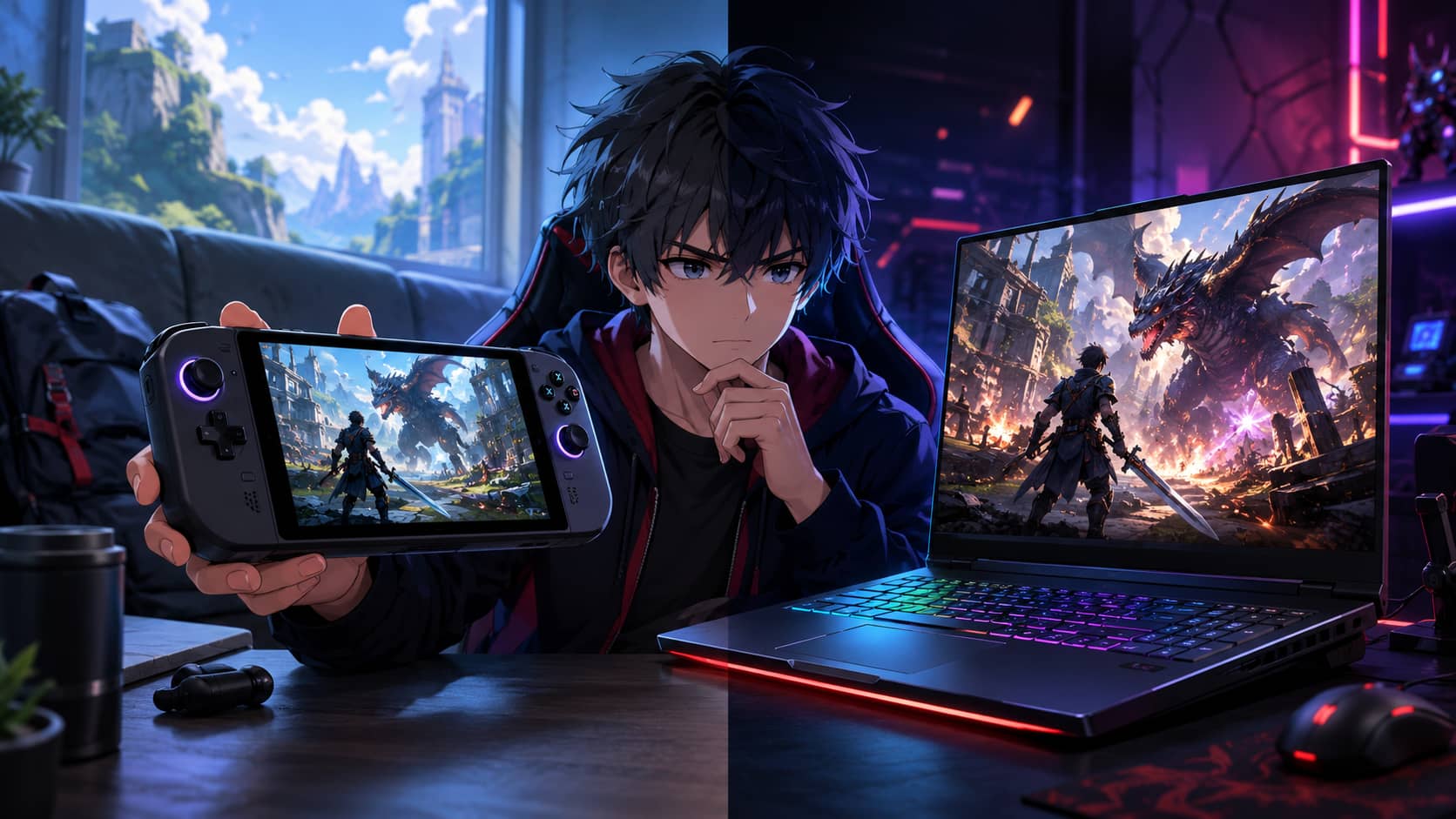
A handheld gaming PC and a gaming laptop can run many of the same games, but they solve different problems. A handheld prioritizes play anywhere, quick suspend-and-resume use, and controller-first design. A laptop prioritizes a larger screen, broader software compatibility, stronger sustained performance, and the ability to work as a general computer.
The better choice depends less on headline specifications than on where you play, what you carry, and whether the device must replace another computer.
Choose a handheld when convenience creates more play time
A handheld is useful on a sofa, train, flight, hotel bed, or short break. Integrated controls remove the need to carry a controller, and a console-like interface reduces setup friction. Games built around short runs, turn-based decisions, or frequent save points fit the format especially well.
The Steam Deck OLED, for example, uses a 7.4-inch 1280 by 800 HDR OLED display with a refresh rate up to 90 Hz, according to Valve's official Steam Deck specifications. That resolution is modest compared with a laptop, but it helps the device balance performance and battery life on a small screen.
Our list of games for short play sessions includes several titles that suit handheld use without requiring an uninterrupted evening.
Choose a laptop when one machine must do everything
A gaming laptop can handle work, study, editing, browsing, and games with a full keyboard and larger display. It usually offers more processor and graphics performance than a handheld at the same generation, especially when connected to power and allowed to use a higher thermal limit.
Laptops also support a wider range of competitive games, anti-cheat systems, launchers, mods, peripherals, and professional applications. If the device must be your only computer, a laptop is usually the safer choice.
Portability is more than physical size
A handheld is smaller, but a complete travel kit may include a protective case, charger, power bank, earbuds, dock, keyboard, or stand. A laptop needs a larger bag and desk surface, yet it already includes a keyboard and can be more comfortable for long sessions.
Compare the total carried weight and volume. Also consider where the device can be used. A handheld works while standing or reclining; a laptop generally needs a stable surface and enough space for airflow.
Battery claims need context
Battery life changes dramatically with game load, brightness, refresh rate, wireless use, and power limit. A lightweight indie game may run for hours, while a demanding release can drain a handheld quickly. Gaming laptops usually provide poor full-performance play on battery and may reduce speed substantially when unplugged.
Look for tests of the games you play rather than one manufacturer maximum. On a trip, lower the frame-rate cap, brightness, and power target before reducing every visual setting. A stable 40 or 45 frames per second can provide a useful balance on a variable-refresh handheld display.
Performance should be judged at the intended screen
A handheld does not need to render 1440p or 4K for its built-in screen, which allows lower-power hardware to produce acceptable results. Connected to a large monitor, the same device may struggle at higher resolution. A laptop graphics processor can deliver more performance, but model names can hide large power-limit differences between machines.
Read measured reviews for the exact configuration. Do not assume a mobile graphics chip performs like the desktop product with a similar name.
Operating system and compatibility matter
SteamOS provides a controller-focused experience and uses Proton to run many Windows games, but not every title is compatible. Certain anti-cheat systems, launchers, and utilities may require Windows. Windows handhelds offer broader compatibility but can be awkward to operate on a small touchscreen.
A laptop running Windows is more predictable for general software. A handheld running SteamOS can feel simpler when your library is compatible. Check the current compatibility status of your essential games before buying, not after.
Storage and repairability can change long-term value
Modern games consume large amounts of storage. Check whether the SSD is replaceable, which physical size it uses, whether a microSD card is supported, and whether opening the device affects the warranty. Some laptops provide two storage slots and upgradeable memory; others solder most components.
Handheld controls are wear items. Research replacement sticks, buttons, batteries, and repair documentation. A low initial price is less attractive if a failed control requires replacing the complete device.
Docking does not automatically replace a desktop
A handheld can connect to a monitor, keyboard, mouse, Ethernet, and power through a dock. This is useful for light desktop tasks and less demanding games. It does not create extra graphics performance, and inexpensive docks may limit display bandwidth or charging.
If you plan to use an external screen regularly, apply the criteria in our guide to choosing a gaming monitor. Confirm resolution, refresh rate, variable refresh support, and the dock's exact output capability.
Use a simple decision rule
Buy a handheld if you already have a suitable computer, value portable play above maximum performance, and mainly use controller-friendly games. Buy a laptop if you need one primary machine, play competitive or heavily modded titles, require a larger display, or need stronger performance for work as well as games.
Do not buy a handheld because it is fashionable or a laptop because its benchmark is higher. Choose the form factor that removes the biggest obstacle between you and the way you actually want to play.
GameAtlas HQ
Read more practical gaming coverage across our six editorial categories.