
How to Choose the Right Difficulty Setting in Any Game
Choose a difficulty level that matches your experience, available time and preferred balance between challenge and progression.
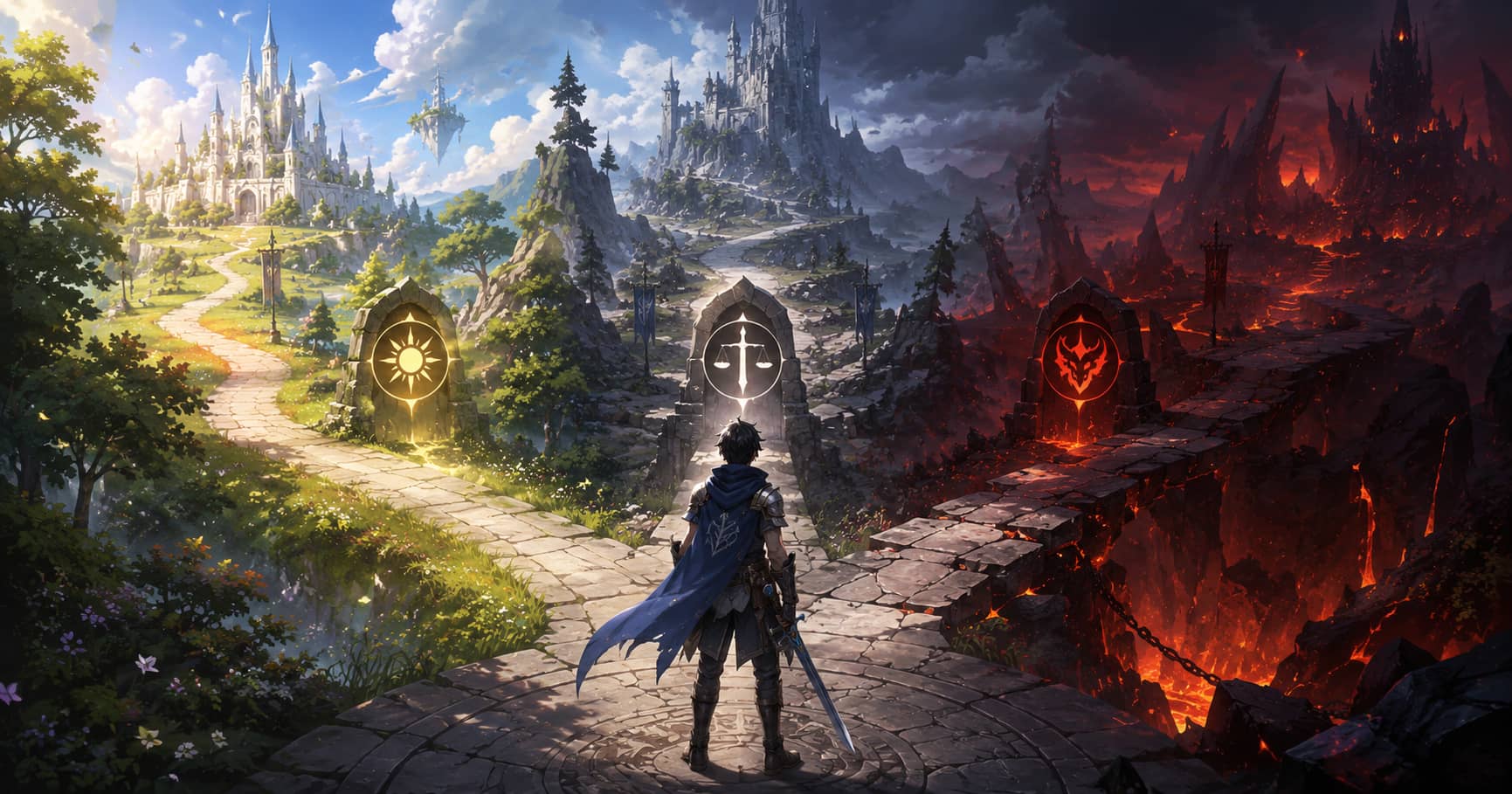
Difficulty labels such as easy, normal, and hard are imprecise. One game may only change enemy health, while another alters artificial intelligence, resources, timing windows, navigation, checkpoints, or permanent consequences. The right setting is the one that supports the experience you want without removing every meaningful decision or blocking you from learning.
Choosing a lower mode is not failure, and choosing the highest mode is not proof of skill. A useful decision begins with the reason you are playing.
Decide what you want from the first playthrough
If the story, setting, or characters are your priority, choose a mode that lets you move through the narrative without repeated combat walls. If you enjoy mastering systems, a mode that demands preparation and adaptation may be more satisfying. If you are playing socially, the group's patience and experience matter more than an individual preference.
Limited time is also a valid constraint. A player with two hours a week may prefer fewer repeated sections than someone who enjoys learning one boss over an entire evening.
Read the description, not the label
Look for specific changes. Does the mode increase enemy damage, reduce checkpoints, disable manual saves, remove interface information, change puzzle hints, or restrict difficulty changes later? Some games attach achievements, endings, or rewards to a mode; others do not.
If the menu is vague, consult the official manual or developer support page while avoiding story spoilers. Community explanations can help, but check the game version because patches may rebalance modes.
Start where mistakes remain understandable
A useful challenge lets you see why you failed. If enemies defeat you before you can read their attacks, or one mistake erases a long section before you understand the system, the mode may be too demanding for learning. Lowering it temporarily can create space to practise.
The opposite is also true. If you can ignore equipment, defensive tools, and enemy patterns without consequence, a higher mode may reveal systems the easier mode allows you to bypass.
Separate accessibility from challenge
Accessibility settings and difficulty settings overlap, but they are not identical. A player may want demanding combat while needing larger text, remapped controls, reduced camera shake, colour alternatives, or longer input windows. Microsoft's Gaming and Disability Player Experience Guide explains how barriers can arise from mechanics, displays, content, and control design.
Use granular options when available. Aim assistance, puzzle hints, damage values, navigation, subtitles, and quick-time events can sometimes be adjusted independently. This creates a more precise experience than one global preset.
Change difficulty when the evidence changes
A mode that felt correct during the tutorial may become tedious later. Repeated enemies can gain large health pools without requiring new decisions, or a character build can become stronger than expected. Adjust when the balance stops serving the experience.
Before changing, identify the issue. If you are missing a mechanic, return to the tutorial. If your build is unfocused, apply the advice in common mistakes that make games harder. If the mode simply demands more repetition than you enjoy, change it without apology.
Be cautious with permanent modes
Ironman, hardcore, permadeath, and limited-save modes can create powerful tension, but they also increase the cost of technical failure and misunderstanding. Use them after learning the game unless the uncertainty itself is the main attraction.
Back up allowed files before major updates, but do not use backups to bypass rules in a competitive environment or where the game terms prohibit manipulation. Understand what the mode is designed to test.
Co-op difficulty should protect both players' agency
In cooperative games, do not let the most experienced person choose a mode that turns the other player into a spectator. Start where both can contribute, then raise the challenge when communication and controls are comfortable.
Some games scale enemies or resources with player count, while others become easier simply because another person can revive or divide attention. Test a short mission before committing a campaign.
Do not confuse inconvenience with meaningful difficulty
Long travel after failure, unclear objectives, tiny text, unstable performance, and unreliable controls can make a game harder without making its decisions more interesting. Fix technical and interface problems first. The difficulty setting cannot solve a drifting stick or unreadable display.
Similarly, a high mode based mainly on larger enemy health may test patience more than mastery. You are allowed to prefer a mode that changes tactics without extending every encounter.
A practical starting framework
Choose story or easy when repetition would prevent you from continuing.
Choose normal when you are new to the genre and want the intended broad balance.
Choose hard when you already understand similar systems and want mistakes to matter.
Choose extreme or permanent modes when learning through repeated failure is a deliberate goal.
These are starting points, not rules. The correct mode may change with your health, available time, input device, or second playthrough.
Difficulty is a design tool for shaping attention and consequence. Use it deliberately. The best setting keeps you engaged, makes improvement visible, and leaves the game's challenges memorable for the right reasons.
GameAtlas HQ
Read more practical gaming coverage across our six editorial categories.